How to Share Passwords and Private Keys Securely Online
Sending credentials via chat or email is a massive security risk. Learn how to use encrypted, self-destructing links to protect your sensitive data.
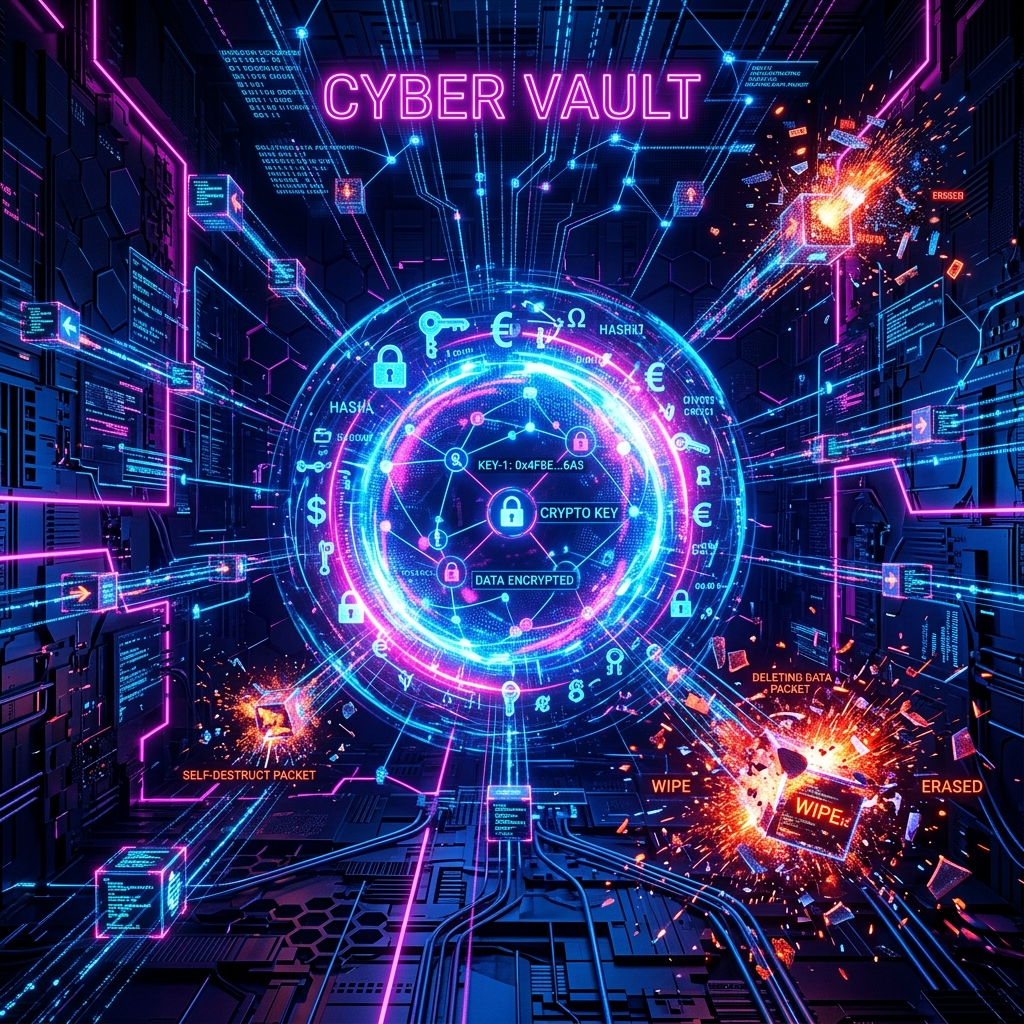
In today's digital landscape, we constantly need to share access credentials, production passwords, private server SSH keys, or personal data with colleagues, clients, or family members.
Unfortunately, the default method for most people is to copy the key and paste it directly into a Slack, WhatsApp, or Teams chat, or send it in an email. This creates a silent security leak that remains stored for years on those platforms' servers.
In this article, we discuss why this is a major risk and how you can share information using our new One-Time Secrets tool with 100% security.
The Danger of Persistent Chat Histories
When you send a private key or password through traditional chat applications, you expose yourself to several risks:
- Unauthorized Future Access: If an attacker compromises your Slack or WhatsApp account in the future, they only need to search for words like "password" or "credentials" to take control of your services.
- Exposure on Shared Devices: Push notifications or active sessions on office computers can easily expose sensitive data to unauthorized onlookers.
- Lack of Zero-Knowledge Encryption: Most platforms have the technical capability to read your messages in transit or while stored in their databases.
The Solution: Zero-Knowledge Encryption and Self-Destruction
To solve this problem, the best practice is to use a system that ensures only the sender and recipient hold the decryption key, and that the information ceases to exist once read.
Our One-Time Secrets utility implements this architecture as follows:
- Client-Side Encryption: When you enter a secret and click generate, your browser uses the Web Crypto API to encrypt the text with the military-grade 256-bit AES-GCM symmetric algorithm.
- Hidden Key in the URL: The decryption key is added to the shared link inside the fragment portion (following the
#symbol). Since browsers never send the hash fragment to the server during HTTP requests, TecnoCrypter never has access to your decryption key. - Immediate Self-Destruction: The server only stores the unreadable block of encrypted data associated with a random token. When the recipient loads the link, the server sends the block back and physically deletes the row from the database instantly.
- Local Decryption: The recipient's browser takes the key from the URL hash fragment (#) and decrypts the note.
Once the tab is closed, the secret is gone from the internet forever. Any future attack on TecnoCrypter's databases cannot recover data that no longer exists on disk.